
Reference

t666ommy App — Your Lobby on Every Device

The t666ommy app puts your full account — live tables, slots, sportsbook and wallet — inside your phone browser, ready the moment you unlock your screen.

mobile browser accessaccount wallet on-screendevice availability checkno forced downloadregion eligibility shown in-app
t666ommy t666ommy App — Your Lobby on Every Device
APP FEATURE SET

Four Features That Make the App Worth Using

The t666ommy app is shaped around the moments you actually need it — fast login, a clean screen, and account actions that take seconds rather than steps. Here is what the current build brings to returning users on supported devices.

Fingerprint Login Tap once and you are in. Biometric login replaces the password step for returning users on supported Android and iOS devices, cutting sign-in to under three seconds.
Push Notifications Get an alert when a cricket match on your betslip goes live or when a promotional window opens. Notifications are managed inside the app settings and can be toggled by category.
Dark Mode Display Night-mode display switches automatically at sunset or on demand. Lower screen brightness helps during long sessions on mobile, especially when switching between the lobby and your wallet.
Offline Lobby Preview Browse game tiles, check table names like Roulette Streak and Crash Limitless, and review your recent betslip — even when your connection drops briefly before it restores.
t666ommy Inside the t666ommy Mobile Experience

Inside the t666ommy Mobile Experience

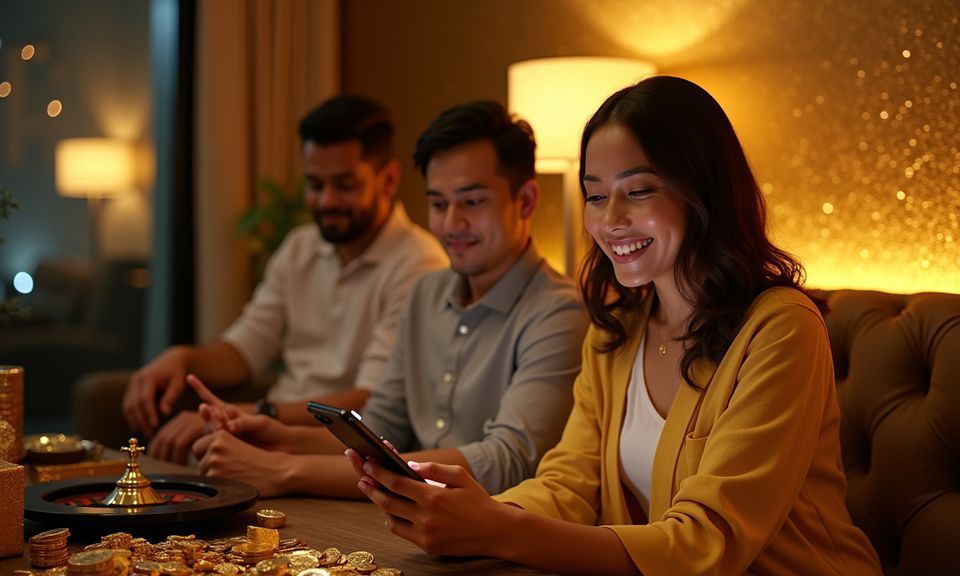
Open the t666ommy app or mobile browser and the lobby loads with live casino tables — including Dhaka Live Table and Dragon Tiger — alongside slots from Pragmatic Play and PG Soft, crash games like Aviator, and a sportsbook where cricket markets for BPL and international fixtures sit at the top. Quick deposit shortcuts mean you can fund your account wallet without

leaving the game you have open. Push notifications alert you when a cricket match you have a betslip on goes live, and fingerprint login means you skip the password step entirely on return visits. The experience is built around short paths, not menus.

DEVICE COMPATIBILITY CHECK

What Devices Work With the App

The app and mobile browser experience work across a broad range of devices commonly used in Bangladesh. Before you start, run through this checklist to confirm your setup is covered. We do not publish specific RAM or storage thresholds because these can change with app updates — the in-account compatibility checker reflects the current state accurately.

t666ommy Browser Access

Browser Access

Chrome and Safari on current Android and iOS versions load the full mobile lobby. If the site prompts you to update your browser, do so before attempting live-table sessions.

t666ommy Screen Layout

Screen Layout

The interface scales to screens from five inches upward. Portrait and landscape modes are both supported; live tables switch to a wider deal view when you rotate your device.

t666ommy Account Requirements

Account Requirements

You need a verified t666ommy account to access the wallet, betslip and deposit shortcuts. Account verification is completed once via the identity step in your profile settings.

t666ommy Mobile Access in 3 Steps

Mobile Access in 3 Steps

Getting into the t666ommy app does not require hunting through an app store if a browser-based path is your preferred route. The steps below work on current Android and iOS handsets. If a native build is available for your device, your account settings page will show a download prompt with the verified source link — we do not ask you to sideload

files from unknown sources. Availability depends on your device, operating system version and eligible region under local law.

  • Step 1 — Open the current site — Go to t666ommy in your phone browser. The mobile layout loads automatically; no separate URL is needed.
  • Step 2 — Check for a native build — Log in and visit the app section under your account settings. If a verified build exists for your OS, the download link appears there with the confirmed file source.
  • Step 3 — Sign in securely — Use your account credentials or fingerprint login if biometric is already enabled. Your wallet balance, betslip history and game lobby load exactly as on desktop.
  • Step 4 — Add to home screen — For the browser path, use your browser's 'Add to Home Screen' option. The shortcut icon opens the mobile lobby directly without typing the URL each time.

Common Questions About the t666ommy App

If something about the app is not covered in the steps above, these answers address what we hear most from people setting up mobile access for the first time.

Whether a native build is available depends on your device and region. Check the app section inside your t666ommy account settings — if a verified download exists, the link appears there.

Yes. Live tables including Dhaka Live Table, slots from Pragmatic Play and PG Soft, crash games like Aviator, and the cricket sportsbook are all accessible from the mobile browser.

After logging in once with your password, go to account security settings and toggle on biometric login. Your device must support fingerprint or face ID for this option to appear.

Push notifications use minimal background data. You can choose which alert categories to receive — match live alerts, account activity or both — from the notifications section inside the app.

Your account session carries across devices. Log in on desktop and your wallet balance, open betslip and recent game history are all there — no need to restart anything.

The mobile layout is built to load on standard 4G connections common in Dhaka and elsewhere. The offline lobby preview also lets you browse game tiles when your signal dips briefly.
Reference

t666ommy App

Service availability depends on eligible regions and local law. Users should check local rules before opening an account.

Access may be available only where local law permits.